Visual Stand-Up
In tech orgs, designers have a super power—by creating visual artifacts, we’re able to make the future tangible before it gets built. In a quickly growing, complex product organisation, this is a huge asset in helping align teams and highlight where and when to increase communication to avoid roadmap overlap.
One takeaway from my time at BuzzFeed is that design visibility can’t be optional. The more you’re able to expose work-in-progress — and increase a team’s confidence in showing unfinished work — the better design is positioned to educate and collaborate with the broader company to create more user-centered products. As a more mature organization, BuzzFeed was heavily optimised for design visibility including twice-weekly design critiques, feedback Slack channels, company-wide design updates on Basecamp and notifications sent to pretty much everyone on the team when a design project moved forward. The volume of feedback was perhaps a bit extreme, but the overarching benefit was clear.
At Babylon none of these processes existed so Chad & I set about figuring out how to increase visibility, knowing the team would radically change in shape and size over the coming months. We wanted a ritual that maximised transparency, minimised the time required to maintain it and most importantly was quick to evolve as we learned what worked. After discussing with couple of fine friends at Lyft, we decided to start with a format inspired by what had worked well for them in the past: a quick-fire visual stand-up where everyone added a single slide with a 30-second update showing their progress that week.
The meeting didn’t need to explicitly cover critique as feedback was already gathered through tools and methods each team had in place, so the deck could focus on being a show & tell aggregator. It also provided a helpful nudge, encouraging designers to regularly consider their audience: why does this matter? What’s the goal? And if you don’t have clarity on those, you should probably speak with your friendly local Product Manager.
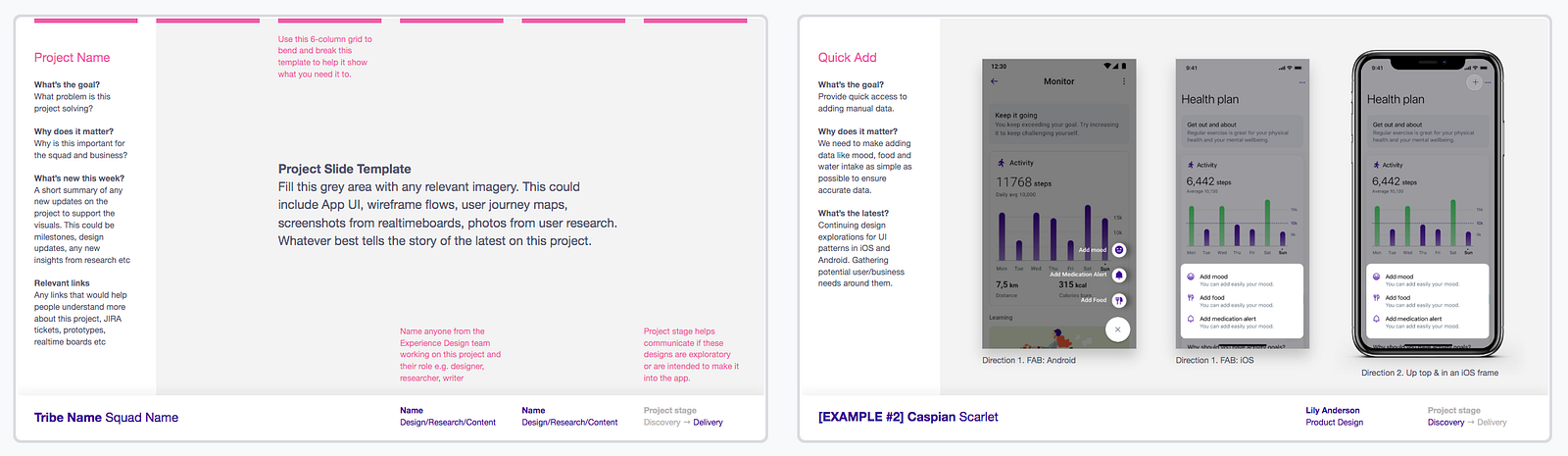
The slide template and example. The full, anonymised visual stand-up template is available to download at the end of this post. 👇
We started in January with a deck containing a list of everyone on the XD team, their respective product areas and a few templates and examples to be used by product designers, user researchers and content designers. Side note: this was the first time many people got a sense for how their teams fit with others, so was pretty impactful from this aspect alone.
After the usual faff of squeezing into a tiny meeting room and running the gauntlet of AV issues, we’d kick off with team announcements, typically introducing new folks who’d joined, followed by a tightly facilitated 30-second per slide visual stand-up. The time keeping is crucial because it keeps the pace flowing, the energy up, and optimises for quantity over perfection, which is particularly necessary when showing work-in-progress. While the deck often contained 50–100 slides, we’d often finish our hour-long meeting with plenty of time to spare. There’s also a side benefit of helping people practice their public speaking and storytelling skills.
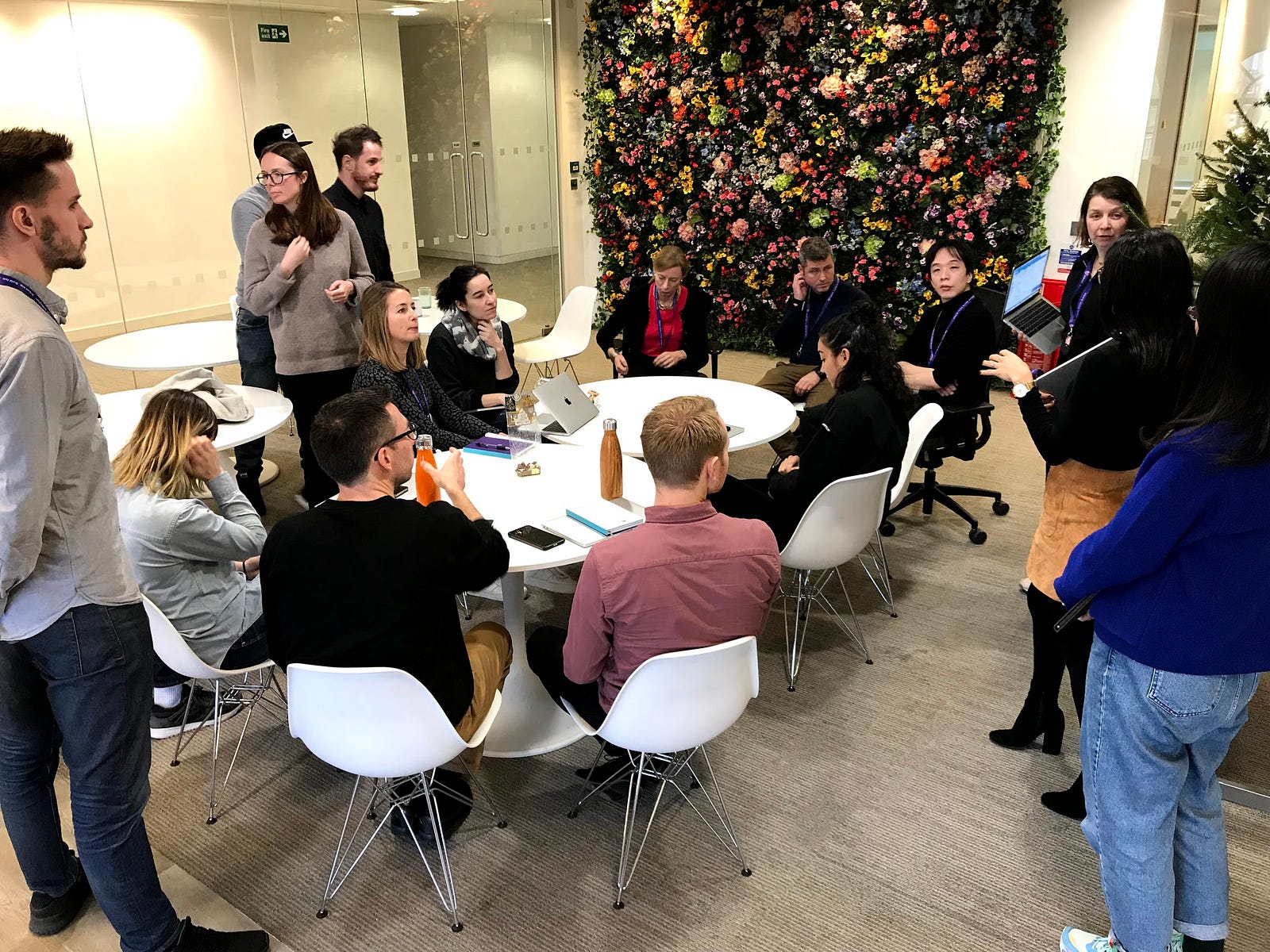
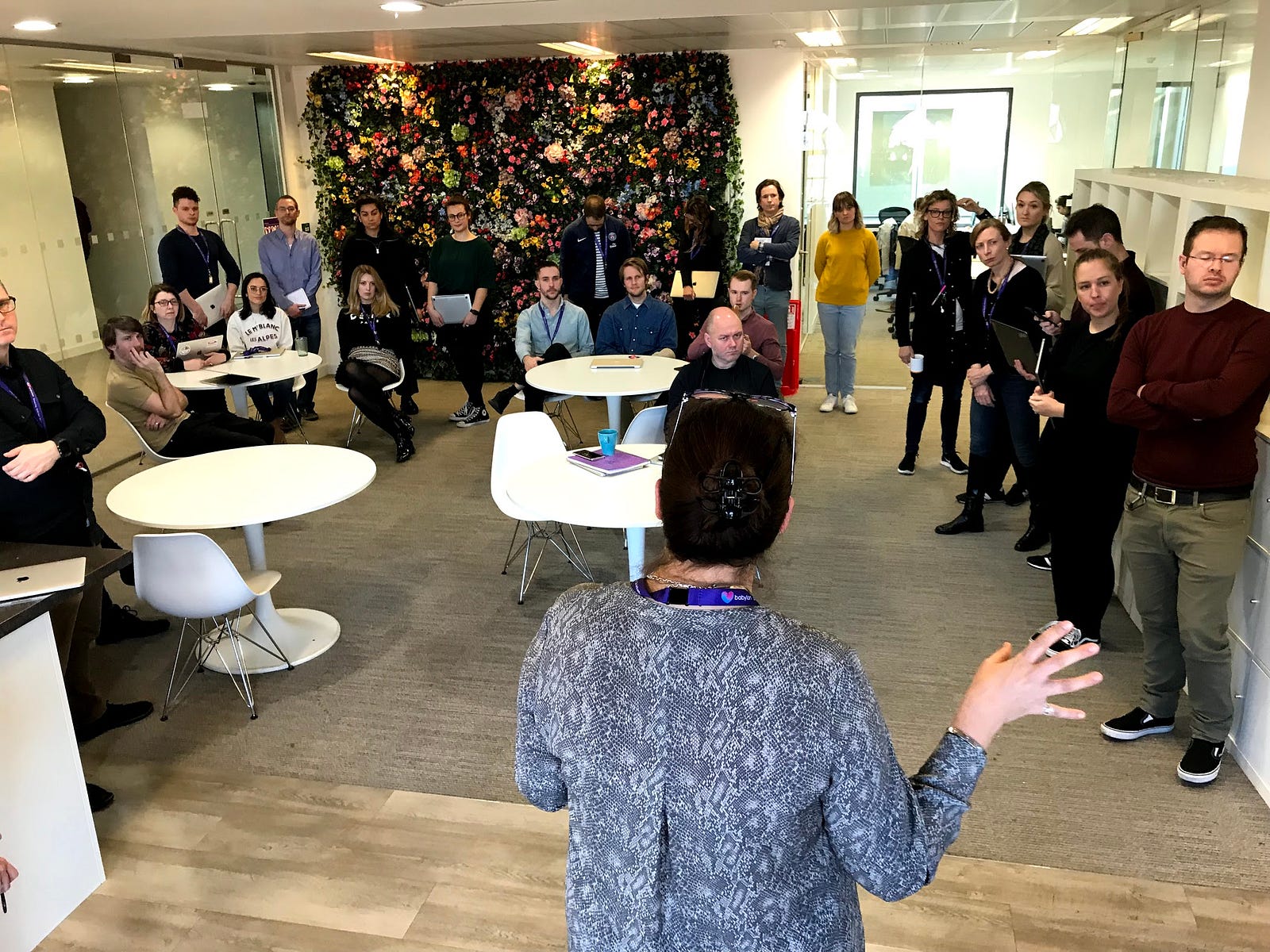
Left: December, 2018—Hijacking part of the 4th floor kitchen; Right: February, 2019—Hijacking the entire 4th floor kitchen. The team is over twice as many people today but I don’t have any more recent photos :(
At first, the meeting felt overwhelming, there’s a broad range of work with a lot of missing context, but the important thing is that potential overlaps are surfaced and people can follow up 1:1. Over time the feeling of overwhelm decreases as people start getting used to the format and honing in on the areas most relevant to them. It’s also a good opportunity for design leadership to get a general sense of where the quality of the work is, what key skills are missing, or which areas require more attention.
Once we learned the format was effective, it came time to shift focus slightly away from the work and more toward the team. We introduced a few fun sections to the deck including:
- Goldmine: where people add images of the fun things they’ve been up to recently.
- Peakon: a regular update on our HR mini-survey tool, helping address team-wide concerns or issues.
- Shout outs: where people send direct messages, usually to Jane, about the great work people are doing. Jane then reads out said messages with perfect Glaswegian diction to great applause to close our meeting each week.
As the Experience Design team has grown from 15 to 75 we’ve introduced new offices, new timezones and new product areas. We’ve celebrated the many new faces who’ve joined the team along with birthdays and promotions. Of course, there are always things to improve — the big one now is consistently sharing with the entire company — but I think it’s this constant evolution that’s helped our visual stand-ups become so valuable. The lightweight format has allowed for small iterations each week, gradually dialing up the quality of our work, the cohesiveness of our culture, and simply creating a safe space for everyone to regularly come together as an Experience Design org.
If you want to try something similar with your team, I’ve included an anonymised version of our visual stand-up template below. Feel free to copy & paste the parts that might be useful and iterate on the rest. The spreadsheet it references will be shared in a follow-up post shortly!